Folder Lock License Key

The software
Overview
Folder Lock Overview
Official Website: www.newsoftwares.net
Supported Systems: Windows 11, 10, 8.1/8, 7, Vista, XP
Folder Lock helps you to secure personal and sensitive information through encryption, secure storage, and privacy-focused tools.
It features a user-friendly interface and utilizes military-grade AES 256-bit encryption to offer a complete suite of features to safeguard files on both local and cloud storage.
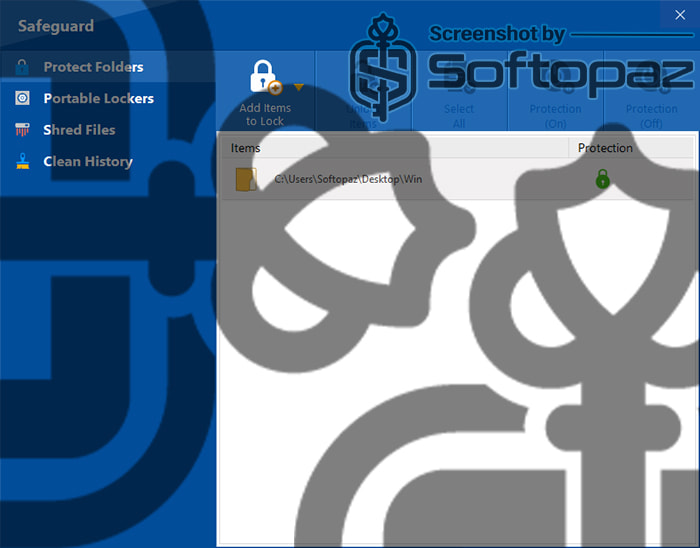
Stealth Mode: Folder Lock has an option called “Stealth Mode” that hides the software’s presence on your system. This makes it even harder for unauthorized users to detect the program or access your protected data.
Folder Lock Functions
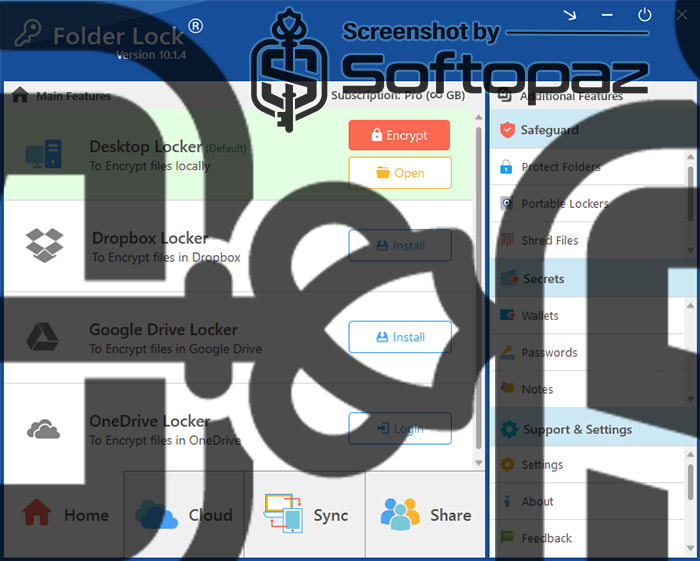
- Protected Folders: it can secure your most sensitive files, folders, and drives by locking and hiding them from unauthorized access.
- Portable Locker: You can create encrypted, password-protected lockers that function as virtual drives. This can be securely stored on USB flash drives or external hard drives. This makes them perfect for safely transporting files or sharing with trusted individuals.
- Wallets: You can store sensitive personal information like banking details, credit card numbers, login credentials, and IDs in encrypted “wallets”. These digital wallets are accessible only through Folder Lock’s password-protected interface.
- Notes: Store your sensitive personal information in text format in “Notes”.
- Shred Files: Allows permanent deletion of confidential files beyond recovery using the built-in file shredder.
- Clean History: Protect your privacy by cleaning digital traces from Windows, installed applications, and Start Menu activities.
What happen if you lost the password of Folder Lock?
If you lose the password of Folder Lock, you won’t be able to access your locked or encrypted files. Recovery is only possible if you’ve kept your registered email updated to use the “Forgot Password” feature.
Cloud Backup & Sync
Folder Lock allows you to back up your encrypted files to popular cloud storage services like Dropbox, Google Drive, and OneDrive.
These encrypted files are automatically synced across your devices, including PC, iPhone, and Android, ensuring secure access anytime, anywhere.
In case of data loss, disk failure, or accidental deletion, you can seamlessly restore your encrypted files with ease.
Encrypt Data on Cloud Storages: Dropbox / Google Drive / One Drive
Folder Lock offers different “locker options”, to encrypt files on major cloud storage devices. It will encrypt and sync files directly within your preferred cloud platform.
This flexibility ensures your data stays encrypted and accessible, whether it’s stored locally or in the cloud.
Key Features
- Encrypt your files and folders with 256-bit AES encryption
- Lock and hide files, folders, or entire drives to prevent anyone from accessing them
- Allows backing up the encrypted files to Dropbox, Google Drive, or OneDrive
- Creating encrypted, password-protected portable lockers
- Store confidential information like credit card details, bank accounts, passwords, etc.
- Permanently delete sensitive files so they can’t be recovered by any software
- Erase traces of your activity from Windows, browsers, and programs to maintain your privacy.
Steps to
Get Full FREE (Giveaway)
Giveaway License Coverage
| License Type | 6 Months License |
| Supported OS | Windows 11, 10, 8/8.1, 7 |
Folder Lock Giveaway License Key & FREE Activation Steps
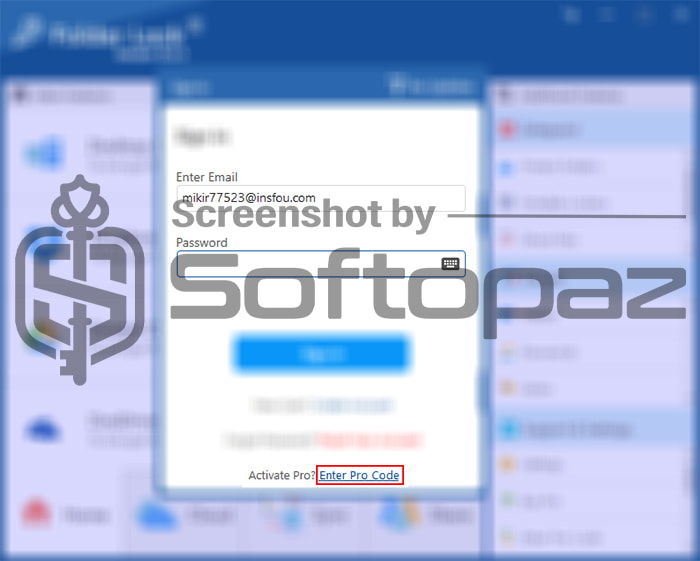
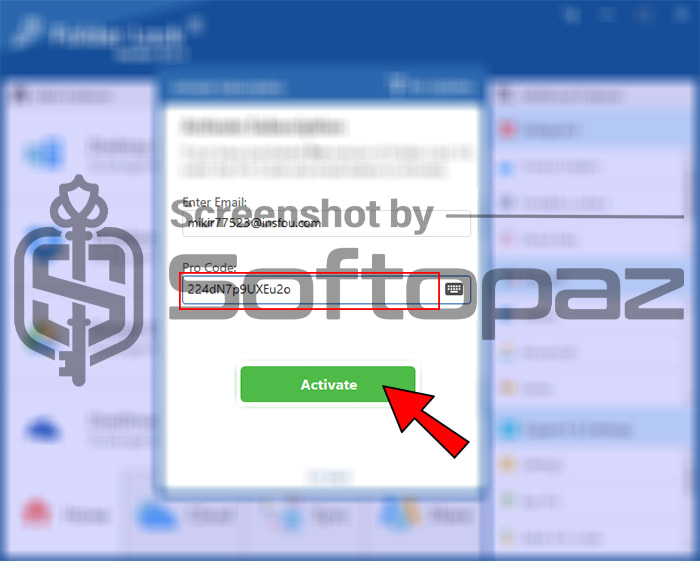
Enter your email and request a giveaway license key. They will send a unique license code to your email within a couple of minutes.
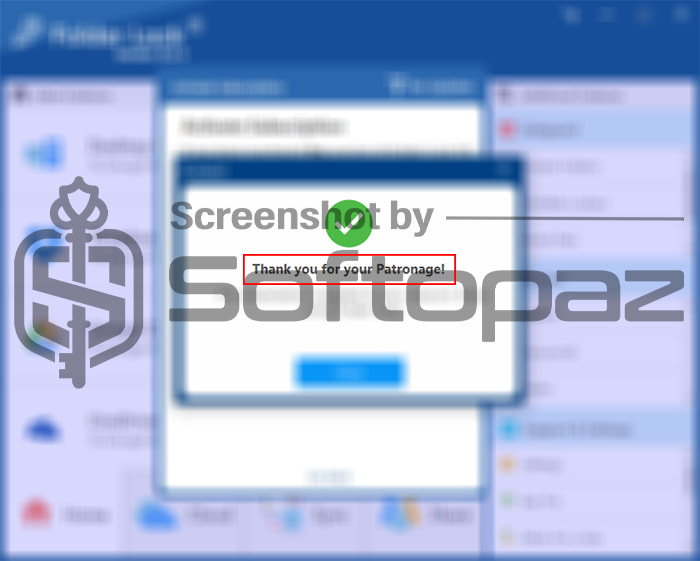
Then click on -> Sign in -> Enter Promo and activate the Pro version using the received giveaway license code.
giveaway vs paid
Full License FAQs
What is Folder Lock Giveaway License?
Folder Lock Giveaway License is a promotional type license that is offered by newsoftwares.net. This typically comes as a 6-months and allows you to use all Pro features at no cost. However, there may have some restrictions and limited with the giveaway version.
This is the