O&O AutoBackup 6 Pro License Key

Other O&O Software Products
The software
Overview
O&O AutoBackup 6 Professional Overview
Official Website: https://www.oo-software.com
Supported Systems: Windows 10, 8.1
O&O AutoBackup 6 Pro helps you to create automatic backup task on your Windows system. The program will automatically back up your important files/folders to an external storage device or network location and keep them fully in sync.
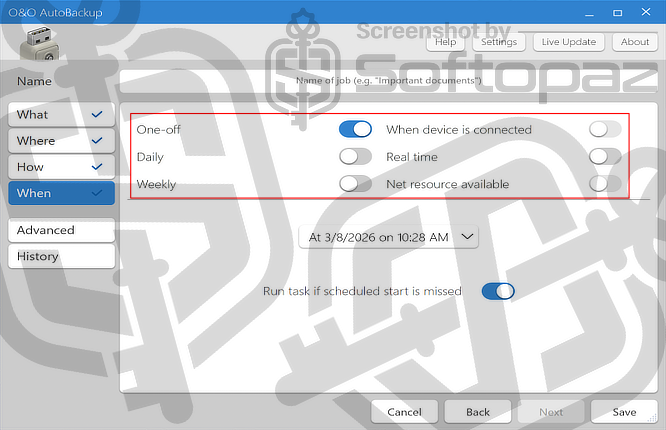
Once you create a backup task, the backup process is 100% automatic and copies the original files and syncs whenever any changes happen to them. Whenever you connect the backup destination to the computer, the backup process begins automatically.
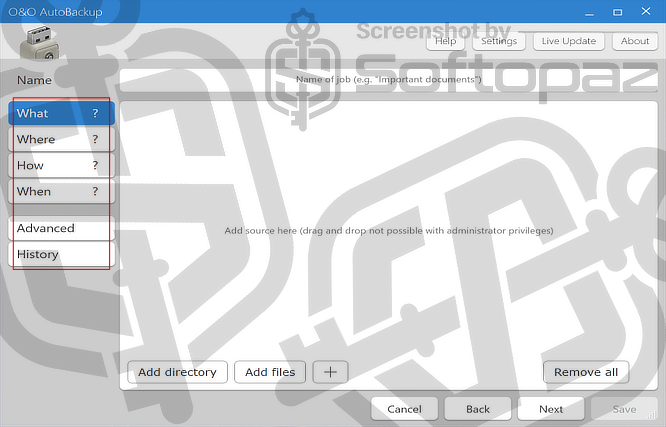
4-Step Wizard to Create a New Backup Job
- What: You need to select what are the files and folders you need to backup.
- Where: You have to choose the target storage location that is going to save the backups. This can be a USB flash drive, external hard drive, or even another partition.
- How: This tool offers 3 backup methods. Archive Mode; Copy all files and folders into a sub-folder in format “year-month-day”. Insert mode; Copy new files, folders and all changes. No deletions. Synchronize mode; Synchronize files and folders, including deletions.
- When: You can set a time to run the backup task. This can be one-off, daily, or weekly. Besides, it offers syncing in real-time on changes or starts the backup job automatically as soon as the target device connects to the computer.
File Synchronisation Functions
The program includes file synchronisation capabilities as well. It can compare the source and destination files and only copy the changes, ensuring that both locations remain up to date.
Real-Time Monitoring Functions
AutoBackup runs in the background and continuously monitors the selected files and folders for changes. As soon as a change is detected, the software initiates the backup process, ensuring that the backup is up to date with the latest modifications.
O&O AutoBackup Pro supports any data type including photos, videos, music, archives, documents, and more without any problem.
Key Features
- Supports Full Backup
- Backup on the changes and sync in real-time
- Scheduling backup for new connections
- 3 Backup methods
How to backup and sync using O&O AutoBackup 6?
To get rid of giveaway terms
Buy 30% OFF Now
Buy Genuine O&O AutoBackup Professional License Key with 30% Off
Purchase a genuine license key for O&O AutoBackup latest version via our exclusive deal from the official O&O Software order page. Enjoy free software updates and OO-Software free premium support.
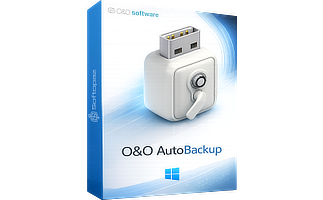
O&O AutoBackup 6 Pro for 1 PC License Full version with no time-limit
✔ Free Technical Support by O&O Software
✔ Covered by O&O Software Money Back-guarantee
O&O AutoBackup 6 Pro for 3 PCs License Full version with no time-limit
✔ Free Technical Support by O&O Software
✔ Covered by O&O Software Money Back-guarantee
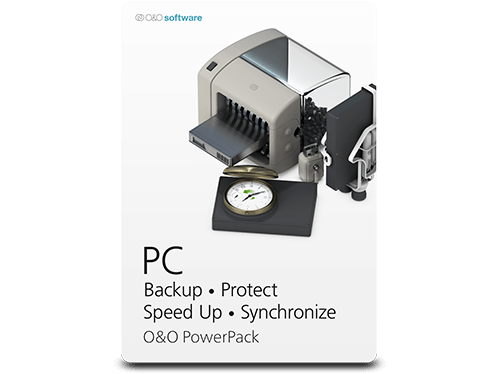
O&O PowerPack License
✔ O&O DiskImage Pro
✔ O&O SafeErase Pro
✔ O&O DiskStat Pro
✔ O&O ShutUp10++
✔ O&O DiskRecovery Pro
Steps to
Get Full FREE (Giveaway)
Giveaway License Coverage
| License Type | Lifetime License |
| Supported OS | Windows 10 / 8.1 |
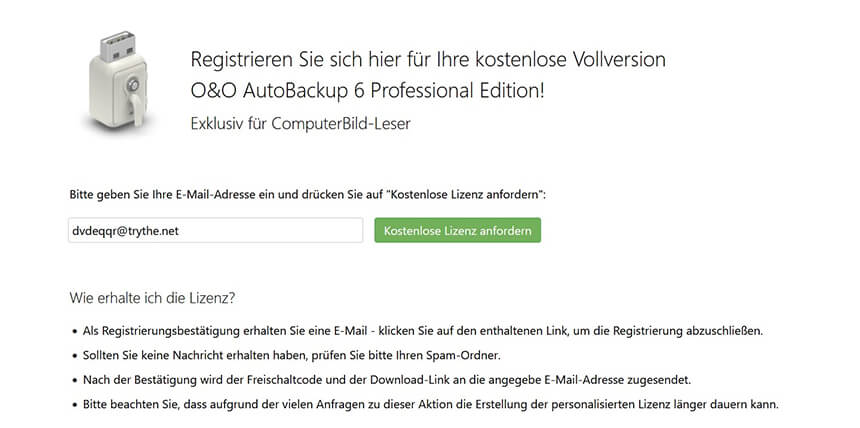
Giveaway Registration Code & FREE License Activation Steps
After the confirmation, you will receive the activation details.
https://dl5.oo-software.com/files/ooautobackup6/61/OOAutoBackup6ProfessionalEnu.exehttps://dl5.oo-software.com/files/ooautobackup6/61/OOAutoBackup6Professional64Enu.exeCheck LOWEST Price to get genuine license code with maximum discount today!
giveaway vs paid
Full License FAQs
What is O&O AutoBackup Pro Giveaway License?
You can legally activate O&O AutoBackup Professional in two ways. The first option is by using a paid license key. The other option is activating the Pro features with a giveaway license code. However, the giveaway license usually comes with a few limitations or restrictions compared to the fully paid version.
This is the