4K Video Downloader Plus License Key

Disclaimer:
4K Video Downloader+ is intended for personal and lawful use only. Please download only content you own or have permission to use, and comply with the terms of service of the respective platform. We do not support or encourage copyright infringement.
The software
Overview
4K Video Downloader+ Overview
Official Website: www.4kdownload.com
All Supported Systems: Windows & Mac
4K Video Downloader+ helps you to download videos, audio, playlists, channels, and subtitles from online platforms for offline viewing.
With its simple interface and advanced download options, it makes saving online content quick and easy.
Easy Video Downloading Process
Downloading a video is straightforward.
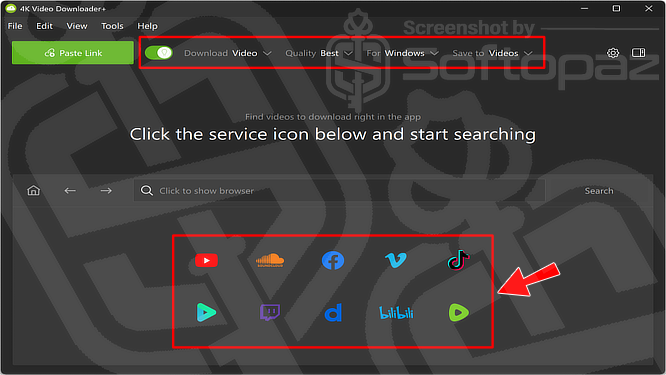
Simply copy the video URL, paste it into the application, select your preferred format and quality, and start the download.
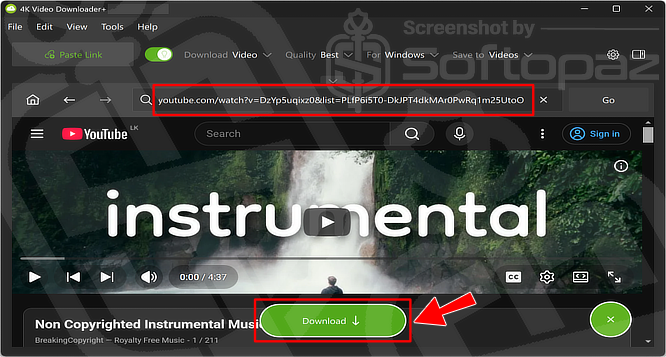
Supported quality options range from low resolution to HD 720p, Full HD 1080p, 4K, and even 8K, where available.
Wide Platform Support
4K Video Downloader+ supports many popular video-sharing and music-streaming websites, including:
- YouTube
- Vimeo
- Dailymotion
- TikTok
- Twitch
- SoundCloud
- Bilibili
- Tumblr
- Flickr
- Naver TV
- Likee
- Niconico
The software can download various types of content, including individual videos, playlists, channels, subtitles, 3D videos, and 360° videos.
In addition to single videos, 4K Video Downloader Plus supports downloading entire YouTube playlists and channels in both video and audio formats.
YouTube to MP4 1080p Conversion
4K Video Downloader+ makes it easy to download and convert YouTube videos to MP4 in 1080p quality.
Users can also choose different resolutions and formats based on their needs.
The built-in subtitle extraction feature allows users to save YouTube subtitles separately when available.
Download Private YouTube Content
The application supports downloading private YouTube videos and playlists that users have access to. This includes personal playlists as well as automatically generated YouTube collections such as:
- Watch Later
- Liked Videos
- My Mix
Smart Mode: You can activate the Smart Mode function to apply preferred settings automatically to all further downloads.
Key Features
- Download online videos directly from URLs
- Save videos in 8K, 4K, Full HD 1080p, HD 720p, and lower resolutions
- Support for numerous video and audio platforms
- Download and convert YouTube videos to MP4
- Convert YouTube playlists to MP3
- Download subtitles and save them in SRT format
- Download videos, playlists, channels, 3D videos, and 360° videos
- Up to 7 simultaneous downloads
- Built-in proxy support for secure and flexible connections
- Smart Mode for automatic download settings
To get rid of giveaway terms
Buy 40% OFF Now
Buy Genuine 4K Video Downloader Plus License Key with 25% Off
Purchase a genuine 4K Video Downloader Key via our exclusive link from the official website. Get the lowest price for the Pro and Plus licenses. You will enjoy free automatic updates and free email support from 4kdownload.com.
4K Video Downloader+ License Plans Lifetime License
✔ Free updates in the future
✔ Free tech support by 4kdownload.com
Steps to
Get Full FREE (Giveaway)
Giveaway License Coverage
| License Type | 3 Month License |
| Supported OS | Windows 10 and newer macOS 10.13 and newer Ubuntu 64-bit |
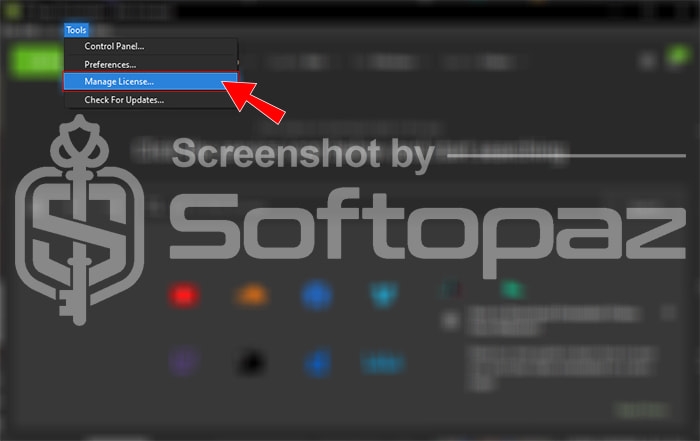
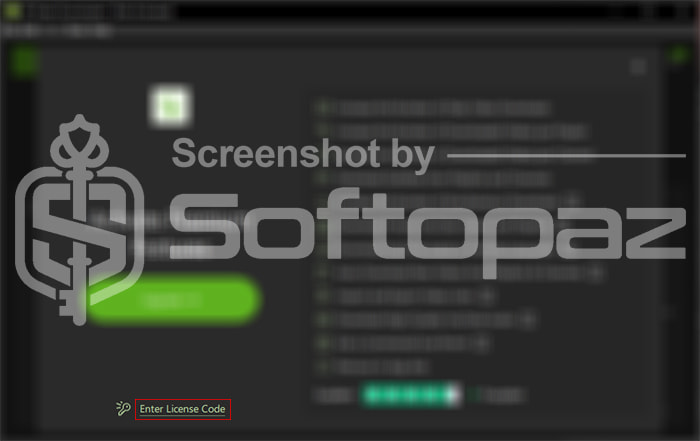
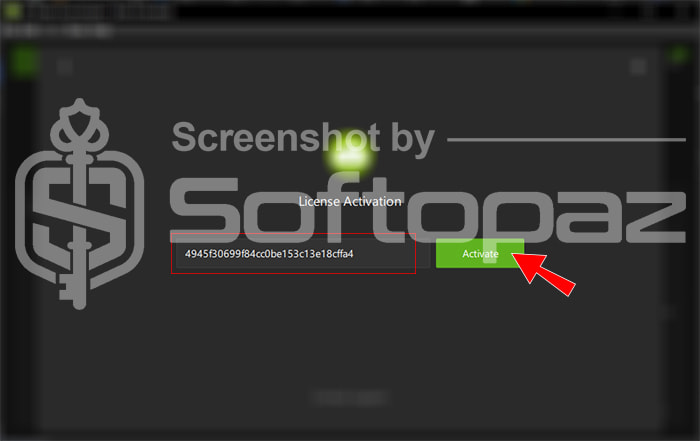
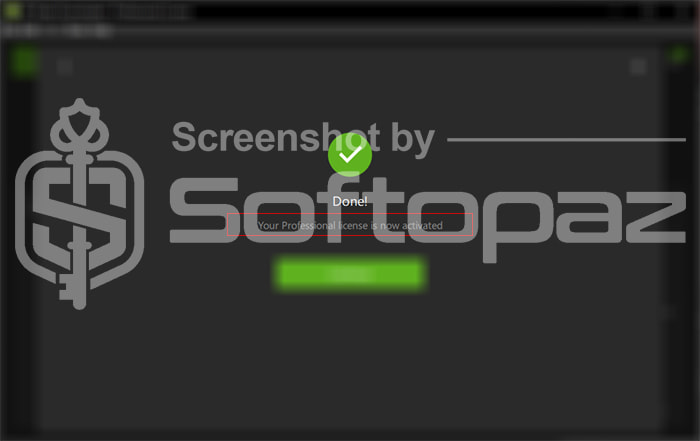
Giveaway Serial Key & FREE Activation Steps
iobit4e8d9dfeec184a197e49iobit59dfee19c184a7e8de494be92ace46414c679a06908a7b649330Check LOWEST Price to get genuine license code with maximum discount today!
giveaway vs paid
Full License FAQs
What is 4K Video Downloader Giveaway License?
It’s a promotional type license that is offered by 4kdownload.com to activate all the personal features for free. Keep in mind that, when activating the Personal version, using the giveaway license may have some limitations/restrictions.
Is 4K Video Downloader trustworthy?
4K Video Downloader is a standalone tool for downloading videos from the web. It’s cleared by VirusTotal tests and is safe to use.
Can I use 4K Video Downloader for free?
It has a free version, but with limited features. We provide a 4K Video Downloader license key free to activate the personal version of the software under a giveaway.
This is the