Dupinout Duplicate Finder License Key

The software
Overview
Dupinout Duplicate Finder Overview
Official Website: www.dupinout.com
Supported Systems: Windows 11, 10, 8/8.1, 7, Vista, XP
Dupinout Duplicate Finder helps you fix duplicate file issues across documents, photos, music, videos, and more while reducing the time spent searching.
The program has a simple and clear interface. You can get started quickly by dragging and dropping folders into the search area.
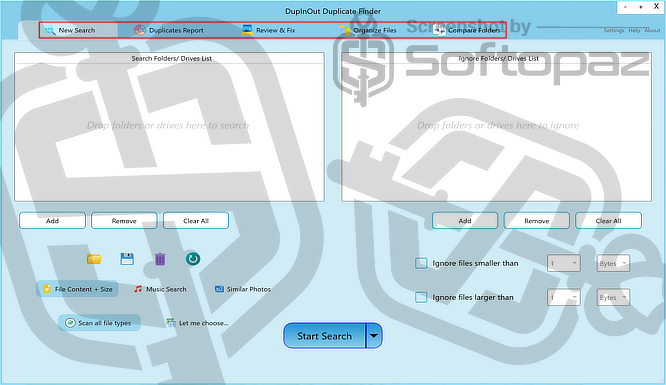
As shown in the interface, the program is organised into five main sections:
1) New Search
This section allows you to select folders or drives to scan for duplicates. You can drag and drop locations, apply scan filters, and define rules such as file size limits or file types before starting the search.
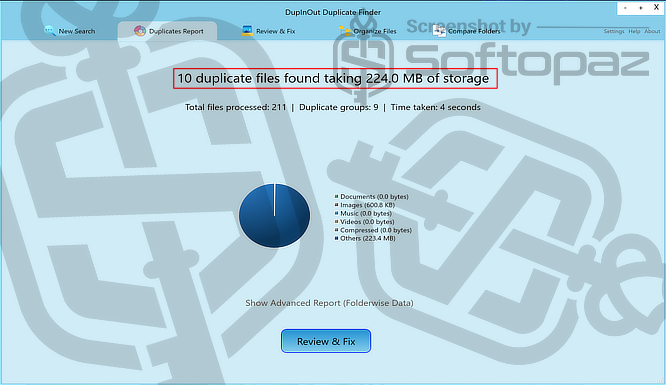
2) Duplicates Report
After the scan, this section presents the results in a structured report. It shows duplicate groups clearly, along with helpful visual statistics, making it easier to understand how much space can be recovered.
3) Review & Fix
Here you can review the detected duplicates and choose which files to keep or remove. The tool provides safe selection options and data protection features to prevent accidental deletion.
4) Organise Files
This section helps you reorganise your files into a clean and structured format. You can create your own folder rules and manage files more efficiently beyond just duplicate removal.
5) Compare Folders
This feature allows you to compare two folders and identify differences or matching files. It is useful for syncing, backup checks, and verifying folder contents.
Removing duplicate files is one of the easiest ways to free up storage space. It also helps clean up digital clutter and manage identical copies more efficiently.
This tool uses reliable file hashing methods to compare files and deliver accurate scan results. You can also customise scans using filters based on your needs.
For sensitive data, it includes options for permanent deletion when required.
Key Features
- Remove duplicate files on Windows
- Drag and drop support
- Custom scan filters
- Interactive pie-chart statistics
- Automated cleaning options
- Data protection to avoid accidental deletion
- Safe List to exclude files from scanning
- Permanent delete option
- File organisation tools
- Folder comparison modes
Steps to
Get Full FREE (Giveaway)
Giveaway License Coverage
| License Type | 1 Year License |
| Supported OS | Windows 11, 10, 8/8.1, 7, Vista, XP (32-bit and 64-bit) |
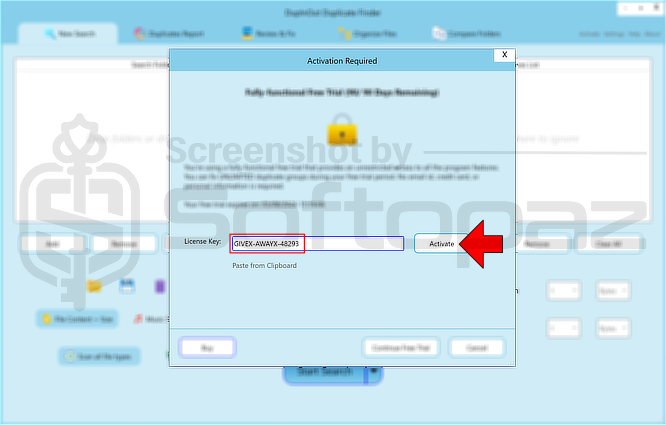
Dupinout Duplicate Finder Giveaway License Key & FREE Activation Steps
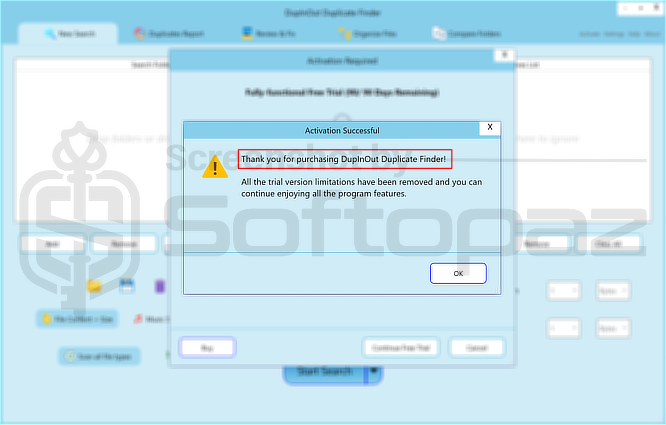
https://www.dupinout.com/download/DupInOut_Setup_1.1.3.7.exeGIVEX-AWAYX-48293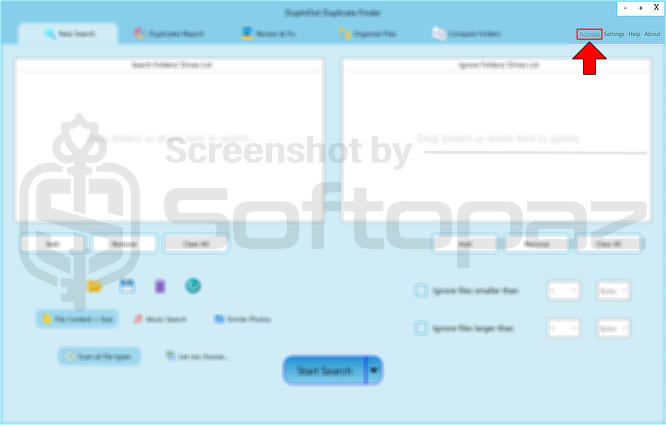
giveaway vs paid
Full License FAQs
What is Dupinout Duplicate Finder Giveaway License?
A Dupinout Duplicate Finder giveaway license is a free activation key offered during promotions to unlock the full version. It may have limits, such as no updates, version restrictions, or personal use only.
This is the