PrivaZer PRO License Key

The software
Overview
PrivaZer PRO Overview
Official Website: https://privazer.com
Supported Systems: Windows 11, 10, 8.1/8, 7
PrivaZer PRO helps protect your privacy on Windows by scanning storage devices, identifying residual data, and securely deleting sensitive information without leaving traces behind.
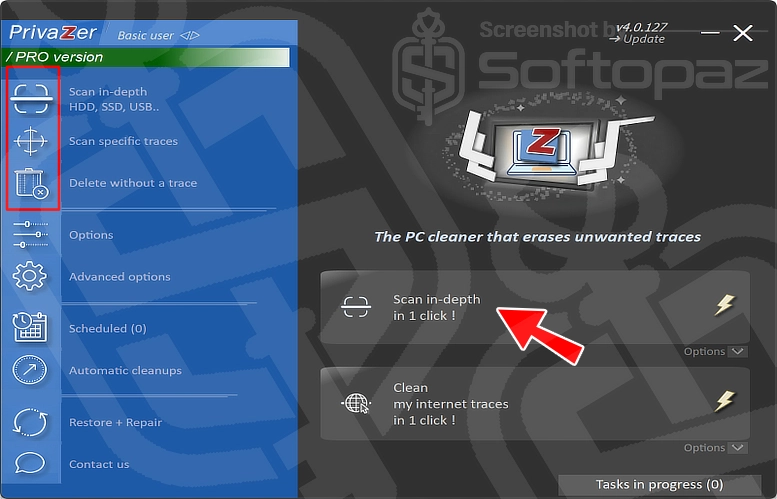
The Application features three main cleaning sections:
1. Scan in-depth
The Scan in-depth section performs a detailed scan of storage devices to identify unwanted files and residual data.
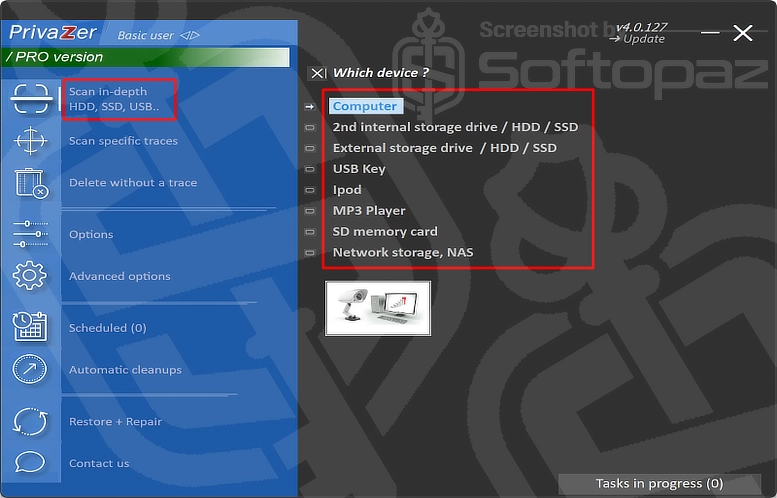
As you can see in the screenshot above, it supports various storage devices such as internal and external HDDs and SSDs, USB drives, iPods, MP3 players, SD memory cards, and network storage (NAS).
Under this section, you can scan different devices for unwanted data and traces that may remain after normal file deletion or everyday computer use.
2. Scan Specific Traces
For users who want to target particular types of activity, the Scan Specific Traces section enables them to select which areas to scan and clean.
Available options include:
- Internet activities
- Residual traces of old files
- Software usage records
- Windows Registry traces
- USB history
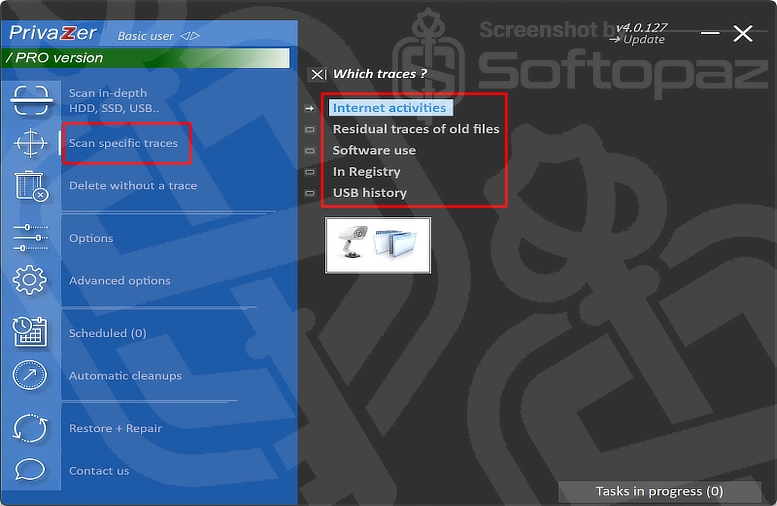
Simply select the section you want to clean, run a scan, and remove the detected traces.
This provides more control over the cleaning process without requiring a full system scan.
3. Delete without a trace
The Delete without a trace section focuses on securely removing sensitive data. It provides three options:
- Sensitive files: Securely delete selected files without leaving recoverable traces
- Sensitive folders: Remove selected folders and their contents securely
- Empty Recycle Bin: Permanently remove deleted files from the Recycle Bin
Users can also enable automatic execution for supported cleaning tasks.
19-Step Configuration Wizard
Here is the step-by-step configuration wizard you’ll get with the first launch of PrivaZer PRO.
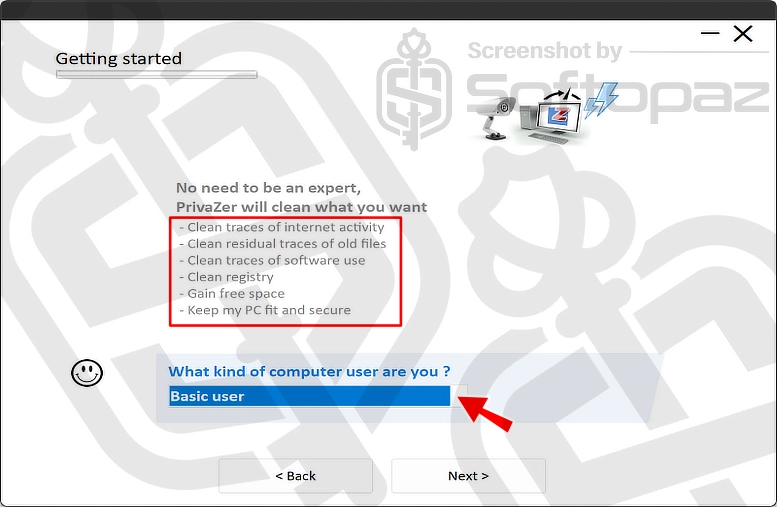
This contains 19 steps that guide you through different cleaning and privacy settings during the initial setup.
- Used Programs History: Removes invalid shortcuts and clears the most-used programs list
- Recycle Bin: Empties the Recycle Bin without leaving recoverable traces
- Office Software Histories: Clears recent file histories and temporary files associated with Office apps
- Photo/Image Software Histories: Removes recent file histories and temp data from image editing Apps
- Windows Explorer Quick Access: Clears the list of recently opened files and folders
- Thumbnail Cache: Deletes cached image thumbnails without affecting original photos
- Autocomplete Histories: Removes previously typed website addresses and form entries
- Website Thumbnails: Deletes website preview thumbnails stored by browser start pages
- Last Session: Clears records of previously open browser tabs and pages
- Browsing History: Deletes records of previously visited websites.
- Cookies: Offers automatic, manual, and complete cookie removal options, with smart selection
- WebCache: Clears Windows WebCache files that store background internet activity data
- ShellBags: Removes Windows records of previously opened folders and their display preferences
- Registry: Clears Windows Registry activity records, recent files, internet activity, and program usage
- SRUM (System Resource Usage Monitor): Removes records of application usage and resource consumption, like CPU, disk, and internet data usage
- Microsoft Games Histories: Deletes usage histories associated with Microsoft Games
- Previous Windows Installation: Removes leftover files and backups from previous Windows installations to recover disk space
- Windows Update: Deletes unnecessary downloaded update installers and outdated update files
- Hibernation: Disables Windows hibernation to free up disk space, with the option to re-enable it later through Advanced Options
The wizard simplifies setup by presenting each cleaning option with a brief explanation and simple Yes/No choices.
Steps to
Get Full FREE (Giveaway)
Giveaway License Terms
| License Type | 1 Year License |
| Giveaway Ends | Nov-18, 2026 |
| Supported OS | Windows 11, 10, 8.1/8, 7 |
Giveaway Registration Key & FREE Activation Steps
Check LOWEST Price to get genuine license code with maximum discount today!
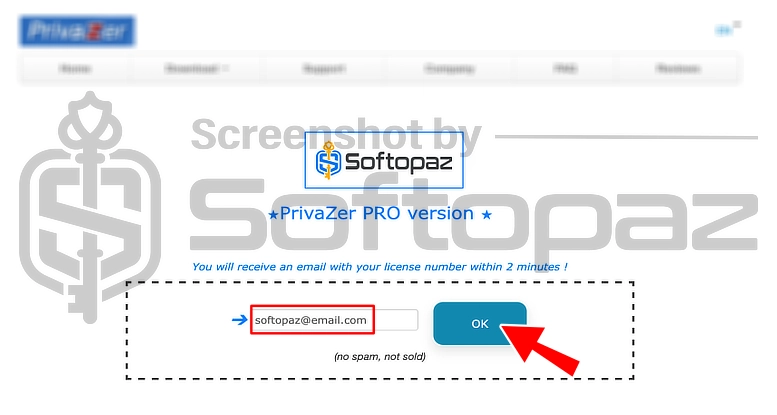
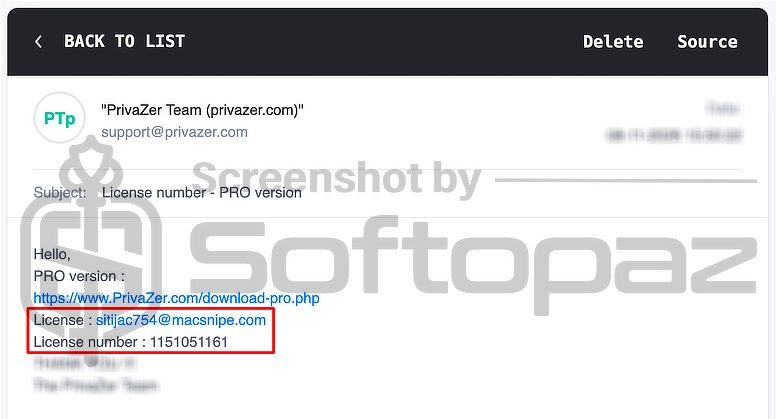
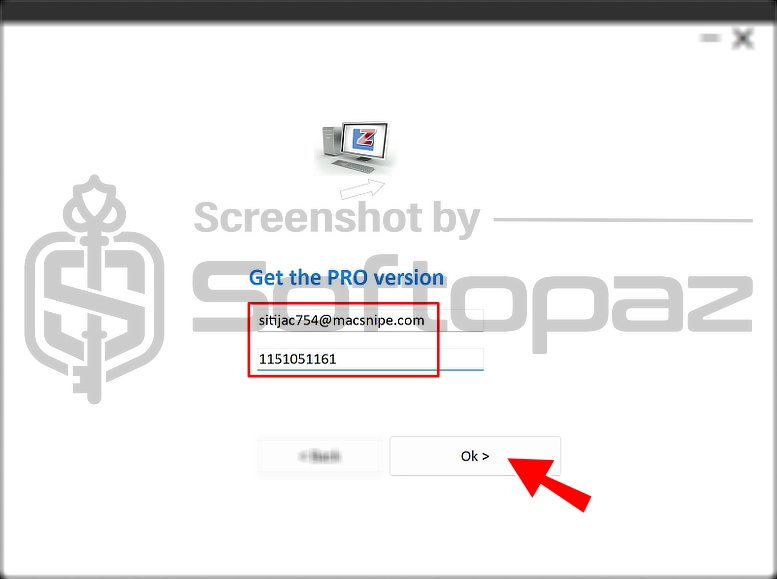
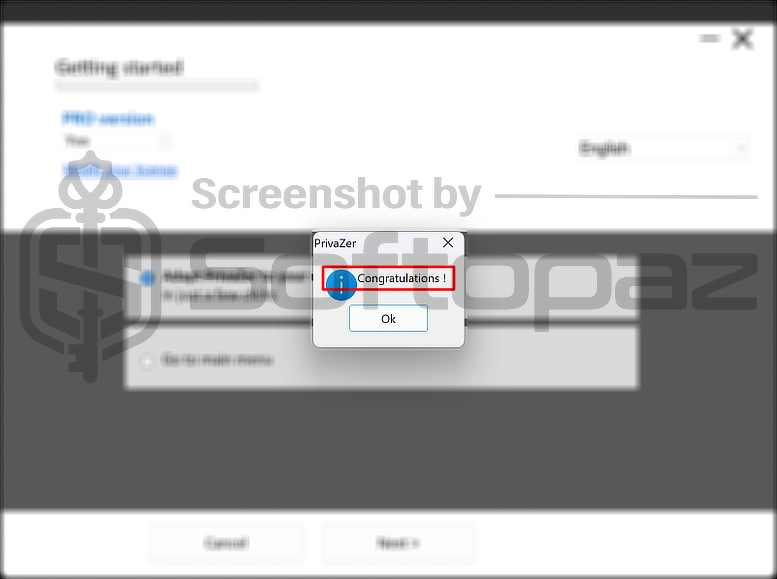
To get rid of giveaway terms
Buy 20% OFF Now
Buy Genuine PrivaZer PRO License Key with 20% Off
Purchase a genuine license code for PrivaZer PRO via our exclusive link from the official website order page. Free upgrades to new versions and tech support from privazer.com available.
PrivaZer PRO License for Windows
✔ Free upgrade to new versions
✔ Free Technical Support by Privazer.com
giveaway vs paid
Full License FAQs
What is PrivaZer PRO Giveaway License?
A PrivaZer PRO giveaway license is a promotional license offered through the official PrivaZer website. It provides free access to PRO features for a limited period, usually one year. However, giveaway licenses may come with certain limitations or restrictions compared to regular PRO licenses.
This is the