Coolmuster iPhone Backup Extractor License Key

The software
Overview
Coolmuster iPhone Backup Extractor Overview
Official Website Link: www.coolmuster.com
Supported Systems: Windows 11, 10, 8/8.1, 7
Coolmuster iPhone Backup Extractor helps you to quickly extract data from an iTunes backup files.
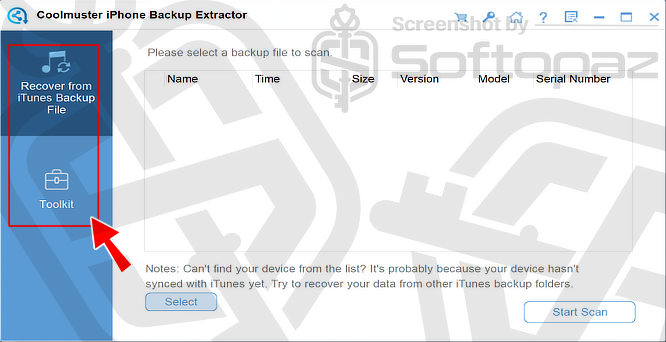
As shown below, the program automatically detects available iTunes backups on your computer, and show them on the main interface.
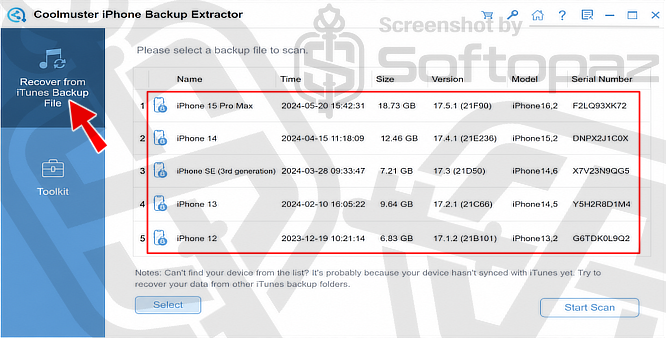
It scans these backup files and displays the data in an easy-to-read interface.
What data types can Coolmuster iPhone Backup Extractor recover?
It can recover photos, videos, music, messages, contacts, call logs, calendars, voice memos, Safari history, notes, and many other data types from an iTunes backup.
Extract Data from iTunes Backups
After selecting the iTunes backup file, choose the data types you want to recover and click “Start Scan“.
The program will scan the backup and display the available files for recovery.
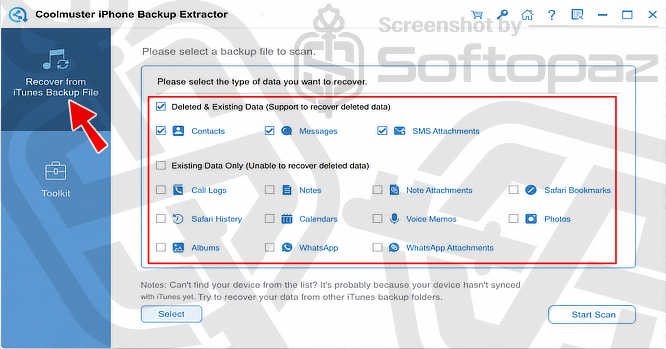
It works directly with your existing iTunes backups, so you do not need to connect your iPhone or open iTunes during the extraction process.
How Coolmuster iPhone Backup Extractor works?
iTunes backups are stored in a SQLite database that Windows cannot open or read directly. Coolmuster iPhone Backup Extractor scans the backup file, lets you browse its contents, and extracts only the data you need.
Coolmuster iPhone Backup Extractor also supports encrypted iTunes backups, provided you know the backup password.
Preview Before Recovery
Before recovering any files, you can preview photos, contacts, messages, notes, and other supported data.
Media files are displayed as thumbnails, while text-based data is shown in lists with detailed information.
Key Features
- Recover photos, contacts, messages, call history, calendars, notes, WhatsApp data, Safari history, voice memos, reminders, and more
- Extract data directly from iTunes backup files without connecting your iPhone
- Recover both existing and deleted data stored in the backup
- Preview files before extracting them
- Supports encrypted iTunes backups
- Compatible with the latest iPhone models, iPads, iPods, and recent iOS versions
To get rid of giveaway terms
Buy 50% OFF Now
BUY Genuine Coolmuster iPhone Backup Extractor Registration Code with 50% OFF!
Purchase a genuine license code for Coolmuster iPhone Backup Extractor via our exclusive link from the official order page. Enjoy free upgrades to new versions and free technical support service from Coolmuster.
Coolmuster iPhone Backup Extractor Year License 1 Year / 1 PC
✔ One license key for 1 PC
✔ 1-Year free upgrades to new versions
✔ Free email support service by Coolmuster
✔ Covered by Coolmuster 90-day money-back guarantee
Coolmuster iPhone Backup Extractor Lifetime License Lifetime / 1 PC
✔ One license key for 1 PC
✔ Lifetime free upgrades to new versions
✔ Free email support service by Coolmuster
✔ Covered by Coolmuster 90-day money-back guarantee
Coolmuster iPhone Backup Extractor for Mac Year License 1 Year / 1 mac
✔ One license key for 1 Mac
✔ 1-Year free upgrades to new versions
✔ Free email support service by Coolmuster
✔ Covered by Coolmuster 90-day money-back guarantee
Steps to
Get Full FREE (Giveaway)
Giveaway License Coverage
| License Type | 1 Year License |
| Supported OS | Windows 11, 10, 8, 7, Vista, XP |
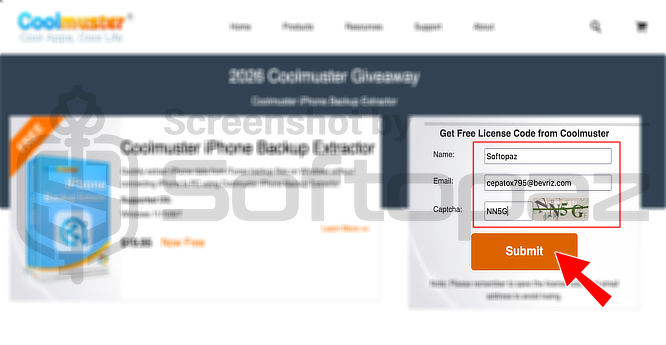
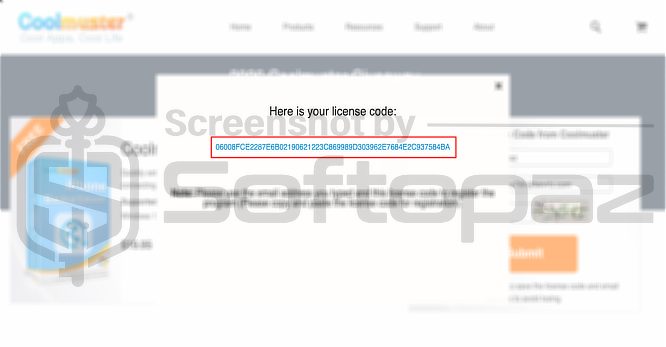
Giveaway Registration Code & FREE Activation Steps
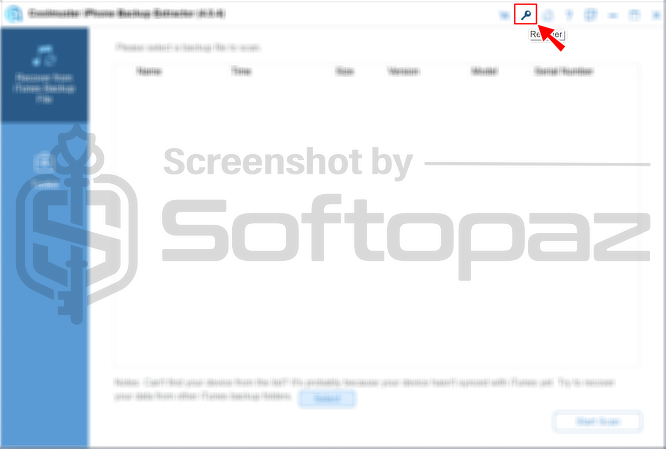
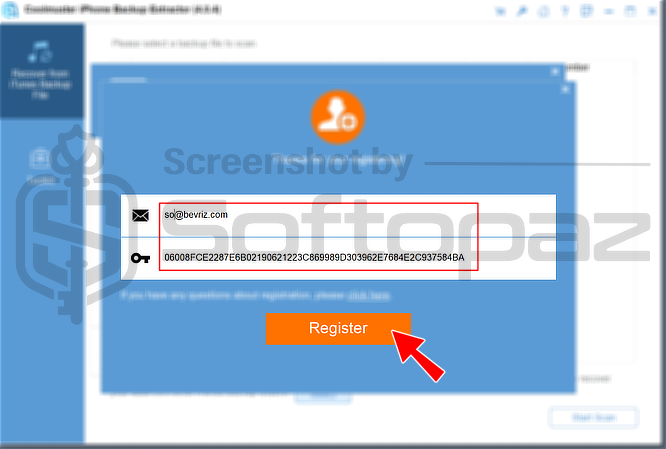
Install the iPhone Backup Extractor application.
After the program launches, click on the “Key icon”. Enter your email and the obtained license code, then click on “Register”
Check LOWEST Price to get genuine license code with maximum discount today!
giveaway vs paid
Full License FAQs
What is the Coolmuster iPhone Backup Extractor Giveaway License?
Coolmuster iPhone Backup Extractor giveaway license is a promotional-type license that is offered by the official site. This allows users to activate the full iPhone Backup Extractor features of the software for free, but in a legal way. However, a giveaway license may have some limitations/restrictions.
This is the