Coolmuster Screen Recorder License Key

The software
Overview
Coolmuster Screen Recorder Overview
Official Website: www.coolmuster.com
Supported Systems: Windows 11, 10, 8/8.1, 7
Coolmuster Screen Recorder helps you record your PC screen and take screenshots quickly.
Its clean interface keeps screen recording simple, with just the essential controls and no complicated setup.
Recording Functions
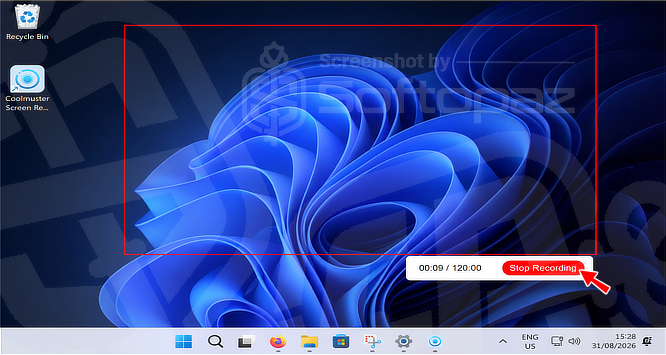
- Screen Recording:
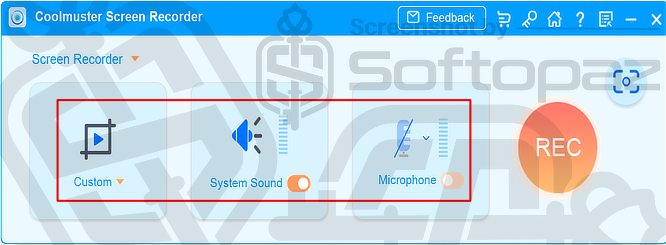
- You can record the full screen or a custom area of your desktop. For custom recording, simply select the area you want to capture before starting the recording.
- Audio Recording:
- It can record system sound or microphone audio along with your screen. You can also disable audio completely when you need a silent screen recording. However, system sound and microphone audio cannot be recorded simultaneously.
- Screenshot Capture:
- Besides recording videos, Coolmuster Screen Recorder can capture the full screen or a selected area as screenshots. It also lets you edit screenshots with shapes and text, then save them as PNG, JPEG, or BMP files.
Simple Interface
The main interface keeps the essential controls within easy reach. You can choose the recording area, enable or disable system sound and microphone input, and start recording with the REC button.
MP4 Output
You can save recorded videos in MP4 format with HD-quality output.
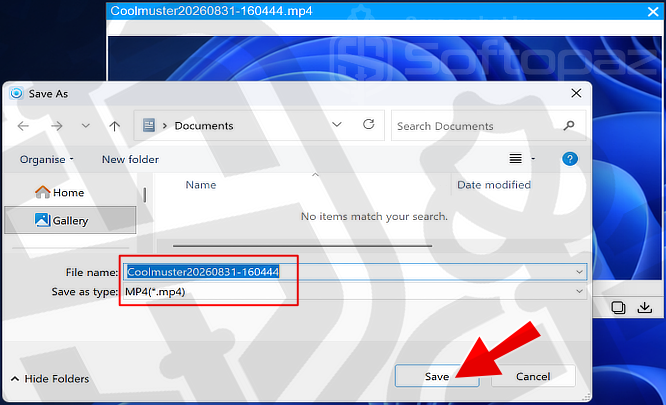
Further, Coolmuster Screen Recorder has no recording time limit, so you can create longer screen recordings without being restricted by a fixed duration.
Local Processing
Coolmuster Screen Recorder processes and saves your recordings and screenshots locally on your Windows PC. Your captured content does not need to be uploaded to a cloud service for basic recording and screenshot tasks.
Key Features
- Record the full screen or a custom area
- Capture system sound or microphone audio
- Take screenshots of the full screen or selected area
- Add text, arrows, lines, and shapes to screenshots
- Save recorded videos in MP4 format with HD quality
- Record videos without a fixed time limit
- Process and save recordings locally on your Windows PC
- Use a clean and simple interface for quick screen recording
To get rid of giveaway terms
Buy 50% OFF Now
BUY Genuine Coolmuster Screen Recorder License Code with 50% OFF Today!
Use our exclusive deals to purchase a genuine license key at the lowest price for Coolmuster Screen Recorder from the official order page. Benefit from free new version upgrades and free technical support from Coolmuster.
Coolmuster Screen Recorder for Windows Year License 1 Year / 1 PC
✔ One license key for 1 PC
✔ Lifetime free upgrades to new versions
✔ Free email support service by Coolmuster
✔ Covered by Coolmuster 90-day money-back guarantee
Coolmuster Screen Recorder for Windows Lifetime License Lifetime / 1 PC
✔ One license key for 1 PC
✔ Lifetime free upgrades to new versions
✔ Free email support service by Coolmuster
✔ Covered by Coolmuster 90-day money-back guarantee
Steps to
Get Full FREE (Giveaway)
Giveaway License Coverage
| License Type | 1 Year License |
| Supported OS | Windows 11, 10, 8/8.1, 7 |
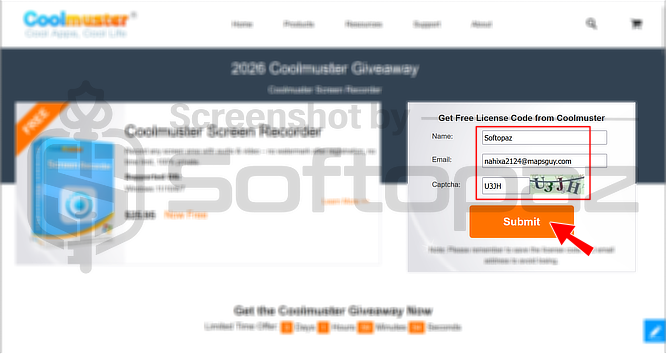
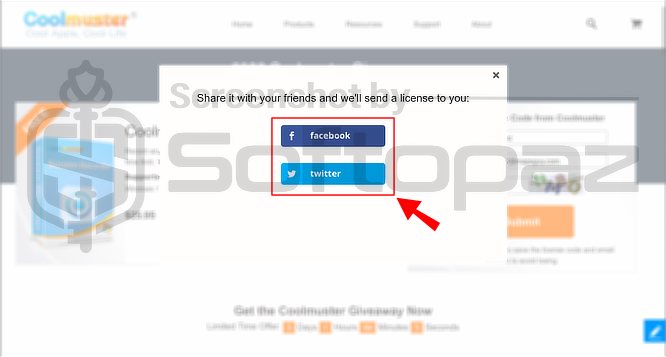
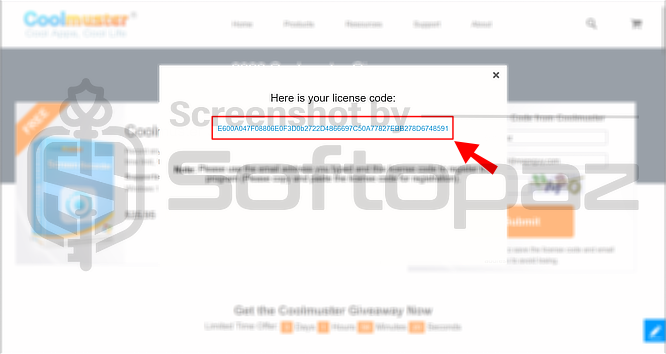
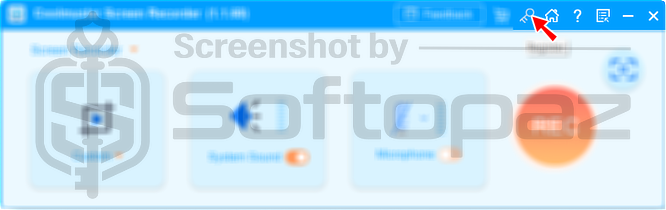
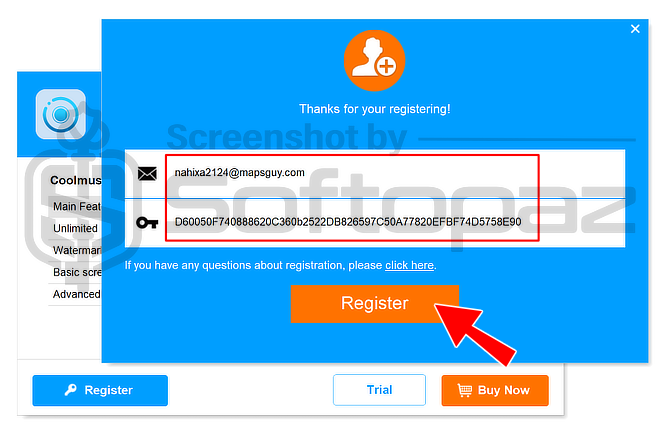
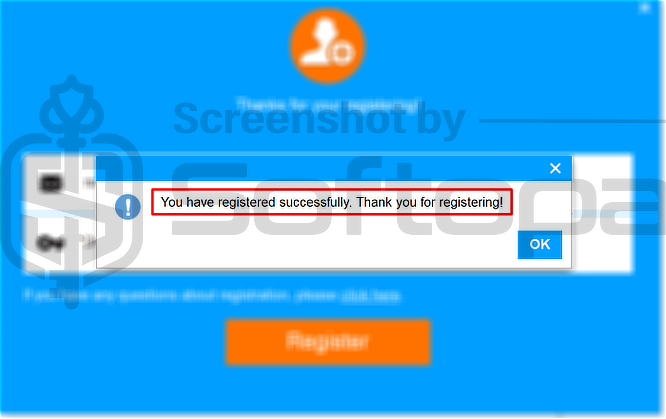
Giveaway Registration Code & FREE Activation Steps
Check LOWEST Price to get genuine license code with maximum discount today!
giveaway vs paid
Full License FAQs
What is the Coolmuster Screen Recorder Giveaway License?
Coolmuster Screen Recorder giveaway license is a promotional license that may be offered by the official site from time to time. It allows users to activate the full screen recording features of the software for free, but in a legal way. However, a giveaway license may have some limitations or restrictions.
This is the