Stellar File Eraser License Key

The software
Overview
Stellar File Eraser Overview
Official Website: https://www.stellarinfo.com/
Supported Systems: Supports Windows 11, 10, 8.1/8, 7 & Servers
Stellar File Eraser helps you to permanently delete sensitive files, folders, and system traces so they cannot be recovered by any data recovery tool.
It is built for both personal and business use, helping users protect privacy, prevent data leaks, and meet data protection requirements.
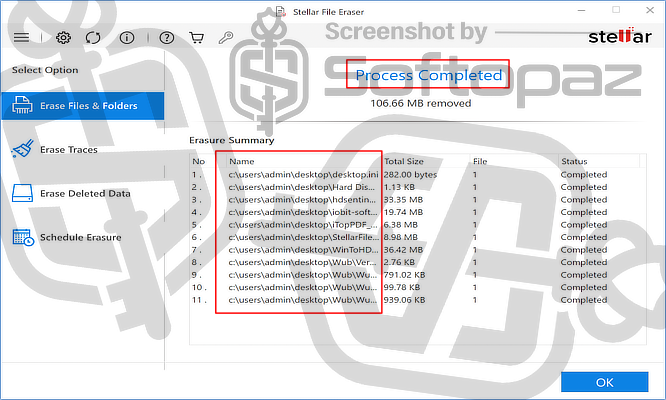
Unlike standard file deletion, which only removes file references, Stellar File Eraser uses advanced overwriting techniques to completely destroy data stored on a device.
How does it work?
Users simply select files or folders (or drag and drop them into the interface), choose a wiping method, and start the erasure process.
Stellar File Eraser replaces file data with random patterns using secure wiping algorithms. This process ensures that deleted data cannot be reconstructed, even with advanced recovery tools.
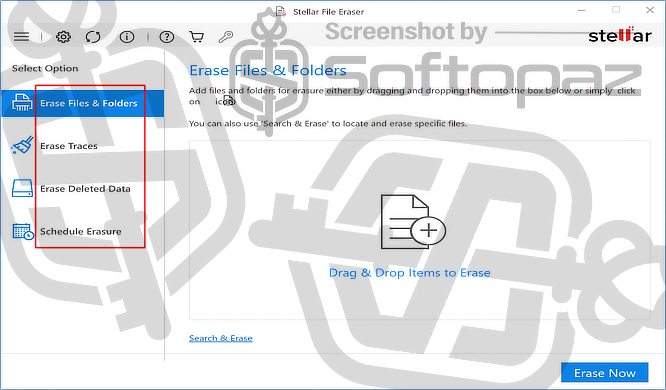
Stellar File Eraser offers task-focused modules for secure data erasure.
1) Erase Files & Folders
This module allows users to permanently delete specific files and folders from their system. Items can be added using drag-and-drop or manual selection.
Once erased, the data is overwritten using secure algorithms, making recovery impossible.
It is useful when you want to remove sensitive documents, images, or entire folders without leaving any trace behind.
2) Erase Traces
The Erase Traces module focuses on cleaning privacy-related data generated during daily system use. This includes browser history, cookies, cache files, and temporary files created by applications.
By removing these traces, users can protect their personal activity from being tracked and also free up storage space.
3) Erase Deleted Data
With this, you can target residual data left behind after normal deletion. Even when files are deleted, traces often remain in unused disk space.
The tool scans and wipes this free space, ensuring that previously deleted files cannot be recovered. This is especially important when preparing a system for resale or disposal.
4) Schedule Erasure
The Schedule Erasure module allows users to automate data deletion tasks. You can set operations to run at specific times, such as daily, weekly, or monthly.
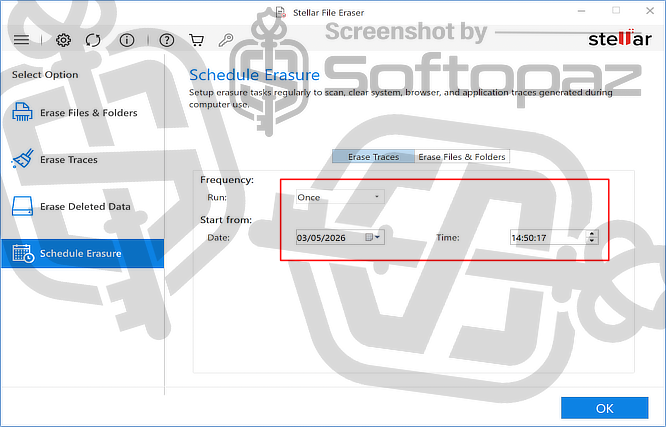
This helps maintain ongoing privacy without manual effort, ensuring that sensitive data and system traces are regularly removed.
Key Features
- Securely erases files and folders so they cannot be recovered by any data recovery tool
- Uses certified erasure standards (such as DoD methods) to overwrite data completely
- Supports HDDs, SSDs, USB drives, SD cards, and external storage media
- Removes traces of previously deleted files from unused disk space
- Cleans browsing history, cookies, cache, and saved data from multiple browsers
- Deletes logs, temporary files, and residual data created by apps and the OS
- Allows users to find files by name or extension and erase them instantly
- Create and save lists of files/folders to wipe them in one action
- Automates deletion at set times (daily, weekly, monthly, or at startup)
- Clean layout with options like erase files, traces, and scheduling for easy use
Getting started with Stellar File Eraser
Steps to
Get Full FREE (Giveaway)
Giveaway License Coverage
| License Type | 1 Year License |
| Supported OS | Supports Windows 11, 10, 8.1/8, 7 Windows Server 2022, 2019, 2016, 2012, 2008, 2003 |
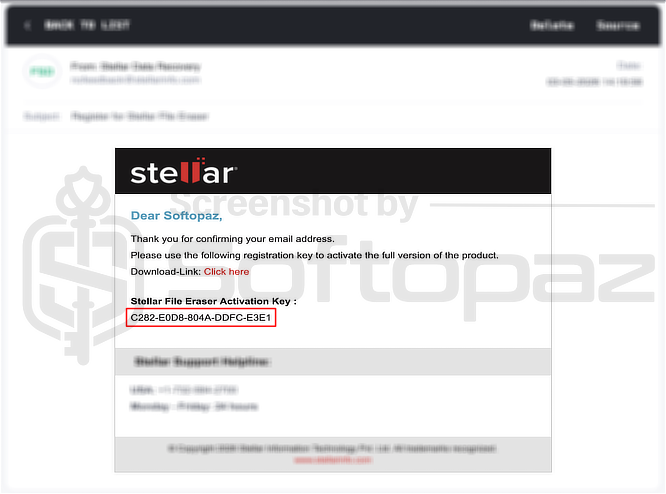
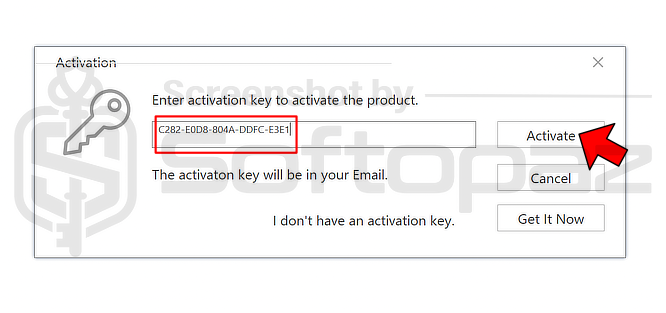
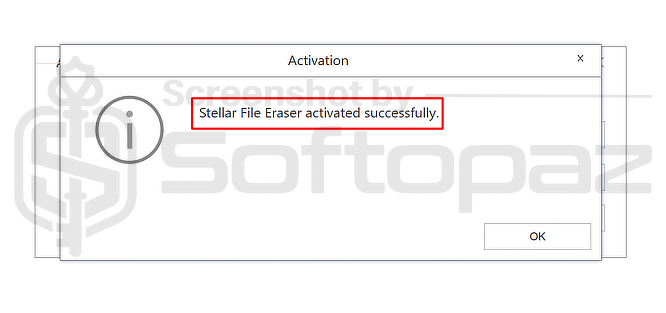
Stellar File Eraser Giveaway License Key & FREE Activation Steps
https://www.stellarinfo.com/registration/stellar-file-eraser-2026/https://cloud.stellarinfo.com/StellarFileEraser-chip.exe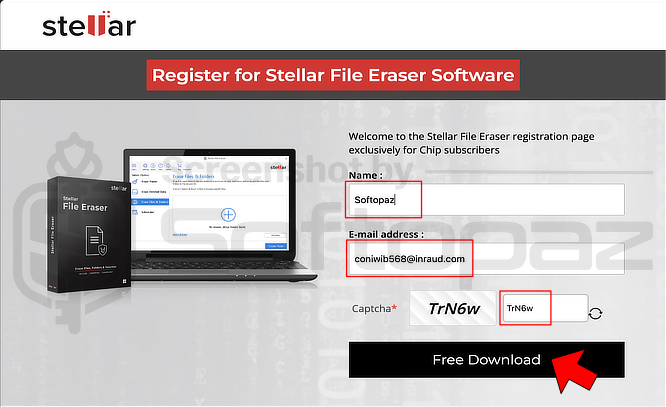
giveaway vs paid
Full License FAQs
What is Stellar File Eraser Giveaway License?
The Stellar File Eraser giveaway license is a promotional offer released through the official site. It lets users unlock the full features of the software at no cost. That said, activating the full version with a giveaway license does come with a few limitations and restrictions.
This is the