MyFormatConverter Premium License Key

The software
Overview
MyFormatConverter Premium Overview
Official Website: https://engelmann.com/
Supported Systems: Windows 10, 8, 7
MyFormatConverter Premium is an all-in-one multimedia converter that allows you to convert and optimize different types of media files, including audio, videos, and photos.
It also includes 2D to 3D conversion and CD/DVD burning functions.
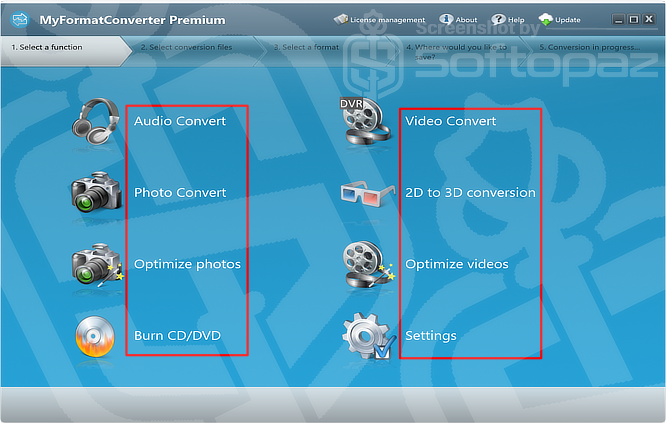
The application also has a simple interface where you can select the required function, add your files, choose an output format, and select where to save the converted files.
Media Conversion Modules
- Audio Convert:
- Convert audio files between popular formats such as MP3, WAV, and WMA. You can also convert audio from CDs and other supported sources for playback on different devices.
- Video Convert:
- Convert videos between popular formats such as MP4, MKV, AVI, DIVX, and MOV. The application provides different output settings and device profiles for easier conversion.
- Photo Convert:
- Convert images between common formats such as PNG, JPG, and BMP. This module can be used to prepare photos for different devices and applications.
- 2D to 3D Conversion:
- Convert 2D photos and videos into 3D content for viewing with compatible 3D devices or glasses.
- Optimize Photos:
- Improve and optimize photo files using the built-in photo optimization function. This can be useful when you want to improve the appearance or quality of your images.
- Optimize Videos:
- Optimize video files for better playback and suitable output settings. This can also help prepare videos for use on different devices.
- Burn CD/DVD:
- Burn your audio, video, and other media files to CDs or DVDs. This allows you to create physical copies of your media files for storage or playback.
- Settings:
- The Settings section provides options for configuring the program according to your requirements.
MyFormatConverter also includes a range of device profiles that can make it easier to select suitable output settings. These profiles are designed for devices such as iPhones, DVD players, game consoles, Apple TVs, and other supported devices.
Conversion Workflow
MyFormatConverter Premium uses a simple five-step workflow:
- Select a function
- Select conversion files
- Select a format
- Choose where to save the files
- Start the conversion
This makes the program suitable for users who want a simple way to convert, optimize, and manage different types of multimedia files from one application.
Key Features
- Convert audio files between popular formats such as MP3, WAV, and WMA
- Convert videos into formats such as MP4, MKV, AVI, DIVX, and MOV
- Convert images between common formats such as JPG, PNG, and BMP
- Convert 2D photos and videos into 3D content
- Improve and optimize your photos using the built-in optimization function
- Optimize video files for better quality and playback on different devices
- Burn audio, video, and other media files to CDs or DVDs
- Use ready-made profiles for devices such as iPhones, DVD players, game consoles, and Apple TVs
- Select a function, add your files, choose the format, and select where to save the converted files
Steps to
Get Full FREE (Giveaway)
Giveaway License Coverage
| License Type | Lifetime License |
| Supported OS | Windows 10, 8, 7 |
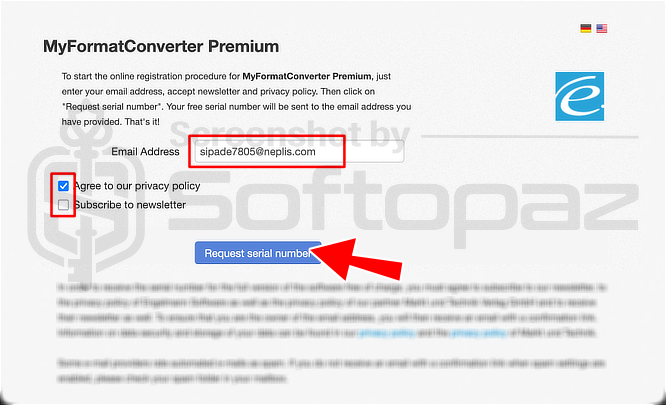
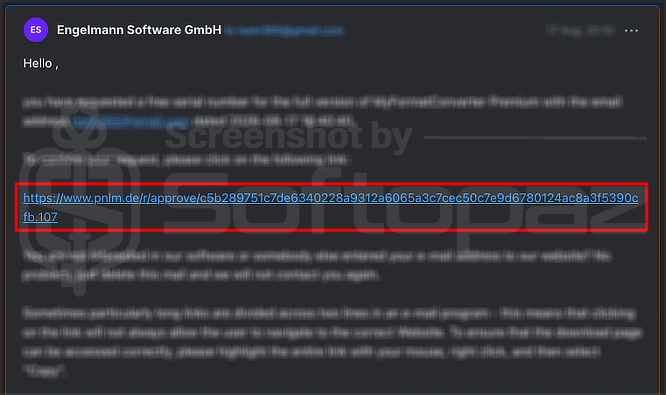
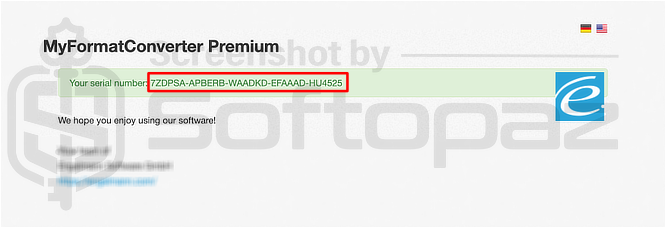
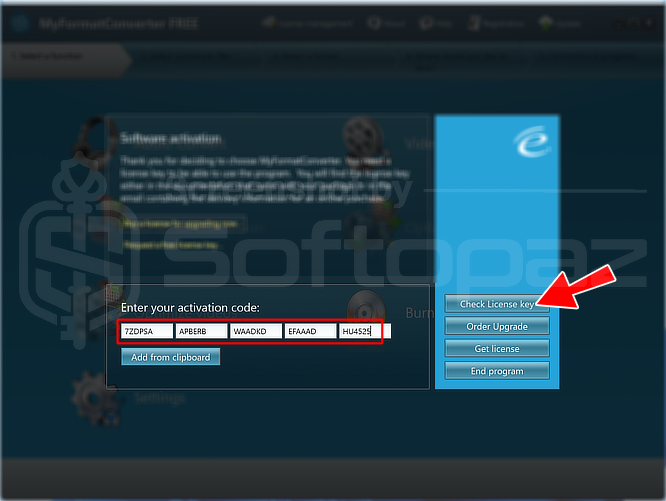
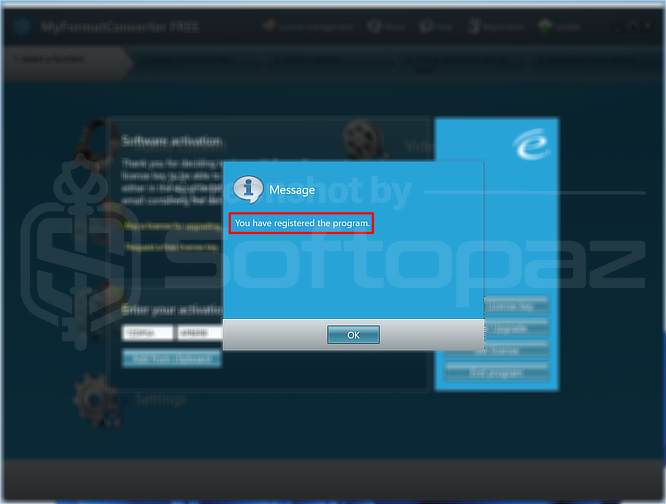
Giveaway Activation Code & FREE Activating Steps
https://static.engelmann.com/myformatconverter.exeCheck LOWEST Price to get genuine license code with maximum discount today!
giveaway vs paid
Full License FAQs
What is the MyFormatConverter Premium Giveaway License?
MyFormatConverter Premium giveaway license is a promotional license that allows users to activate the full version of the software for free, legally. However, there may be some limitations or restrictions compared with a regular paid license.
This is the